Scan and Print Devices Specification
- Marking Speed
- 7000 mm/s Km/s
- Marking Area
- 110 x 110 mm
- Dimensions
- 800 x 650 x 1450 mm Millimeter (mm)
- Application Material
- Metal, Plastic, Ceramic, etc.
- Supported File Format
- AI, PLT, DXF, BMP, JPG
- Operating Temperature
- 0 C to 40 C
- Relative Humidity
- 5% - 85%
- Safety Standard
- CE Certified
- Focus Method
- Manual / Auto
Scan and Print Devices Trade Information
- Minimum Order Quantity
- 1 Piece
About Scan and Print Devices
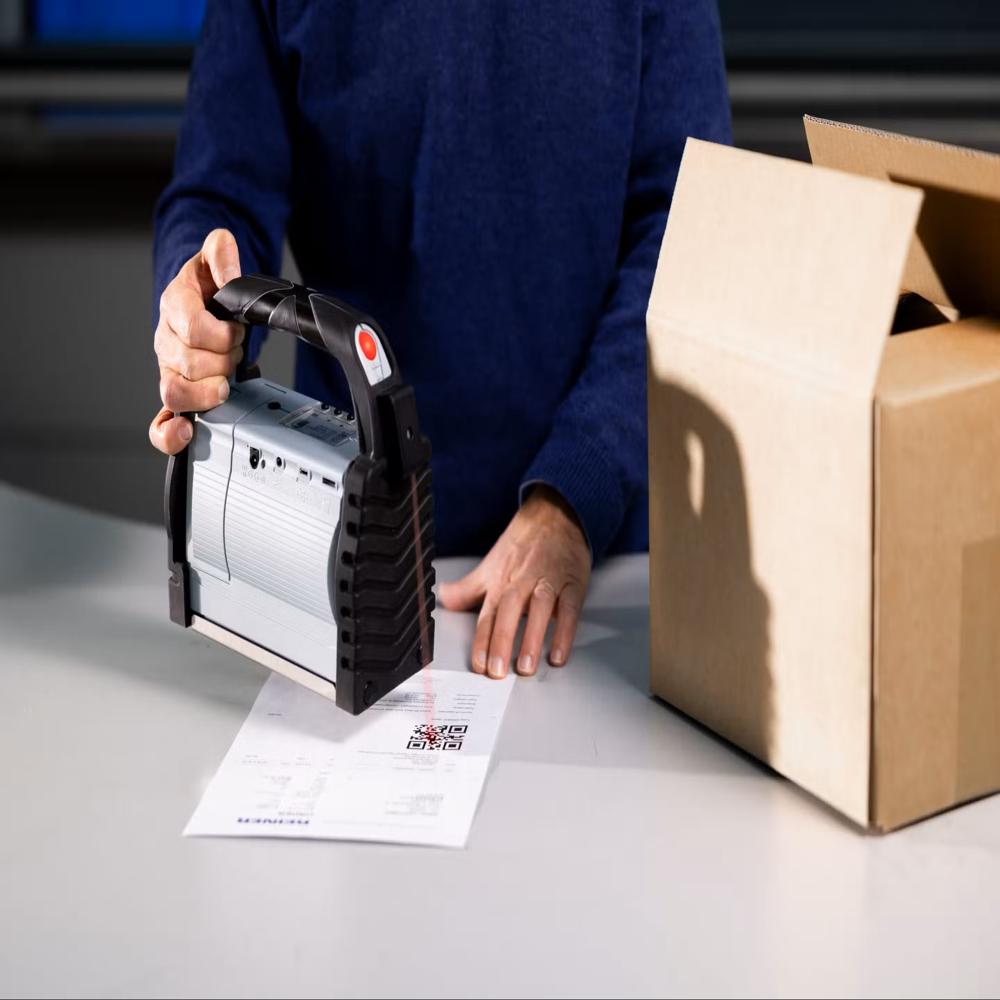
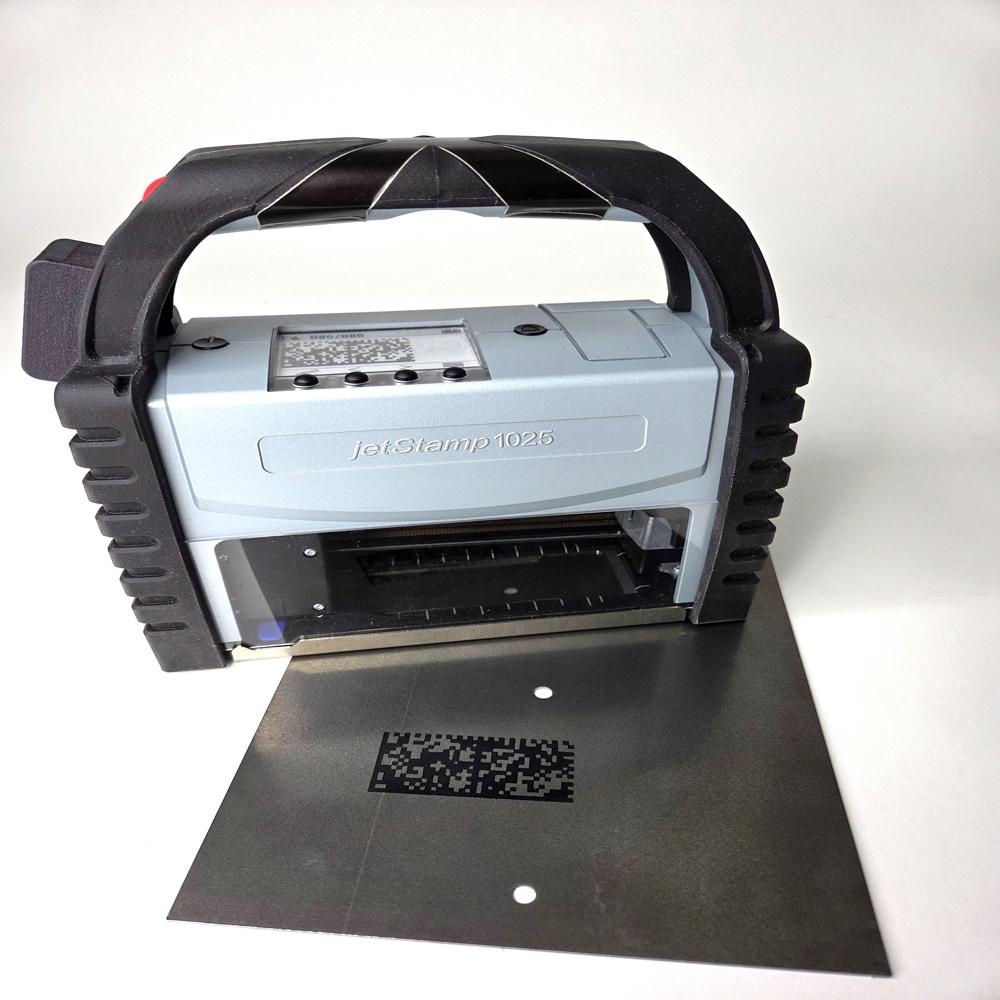
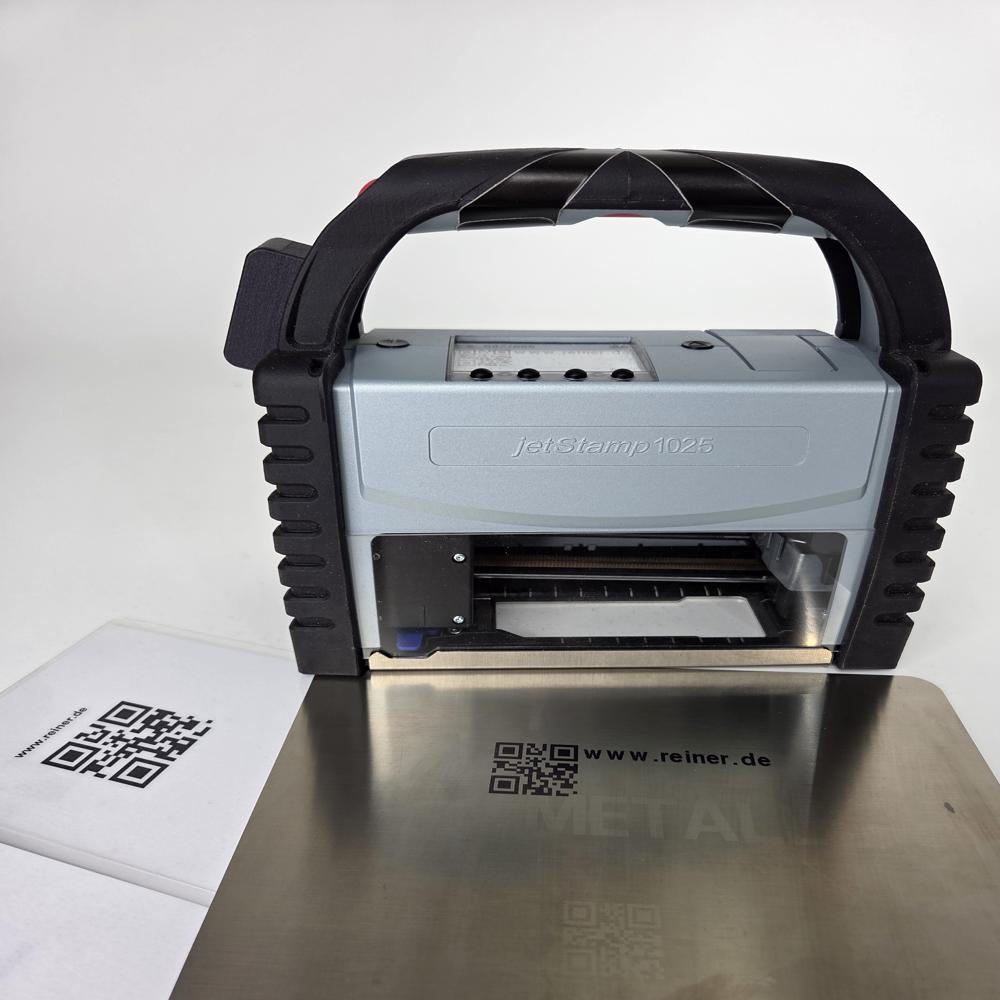
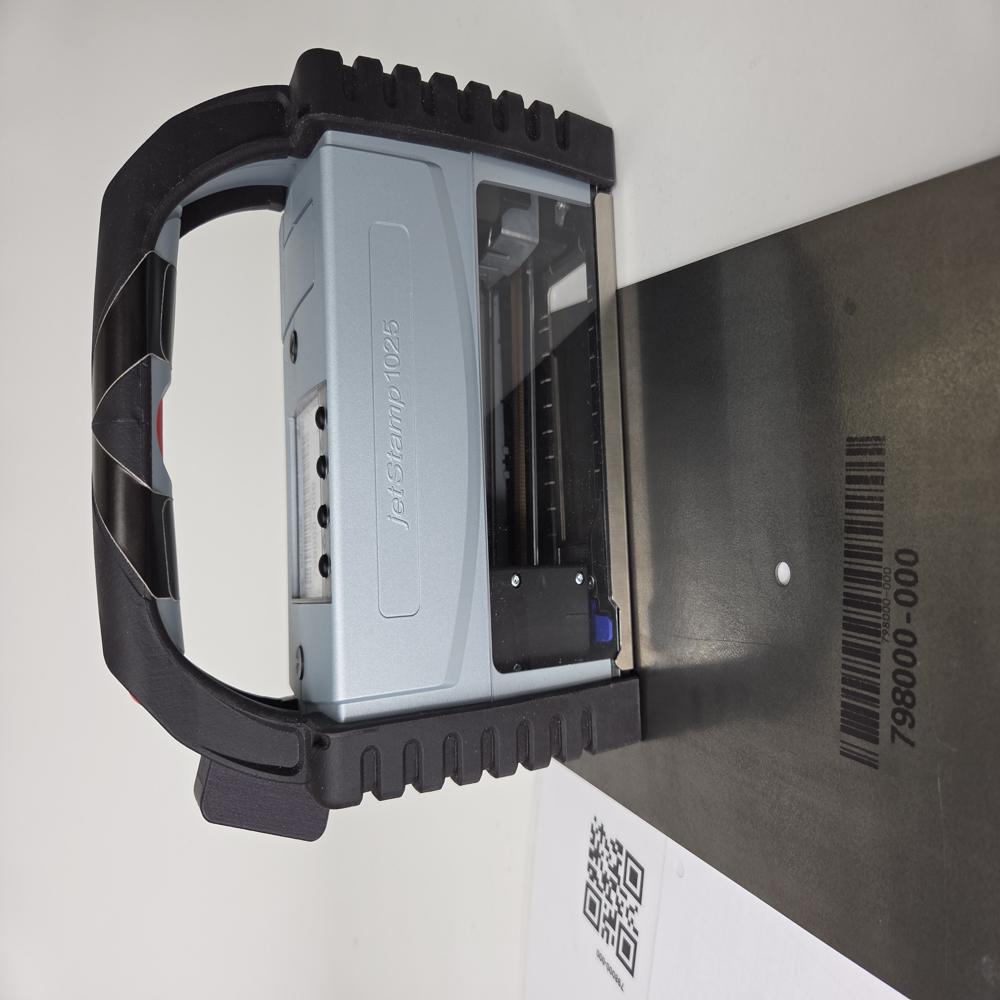
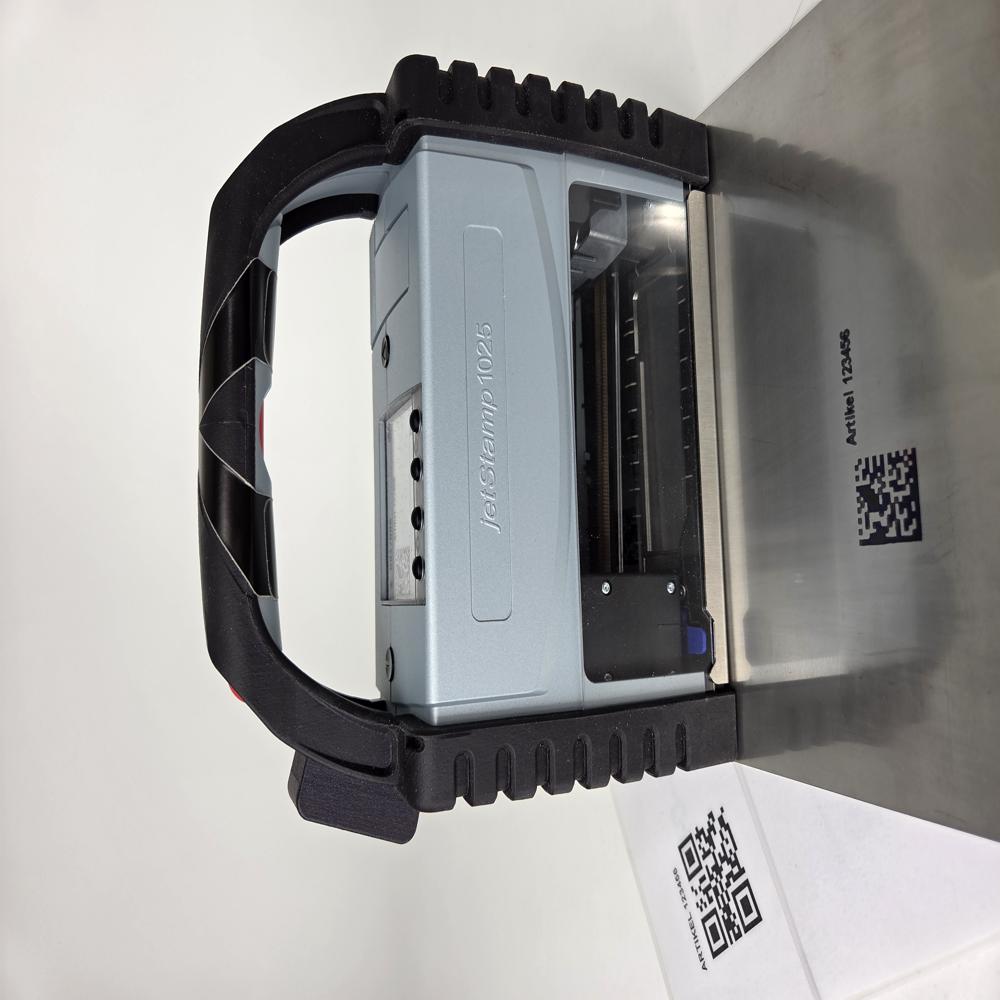
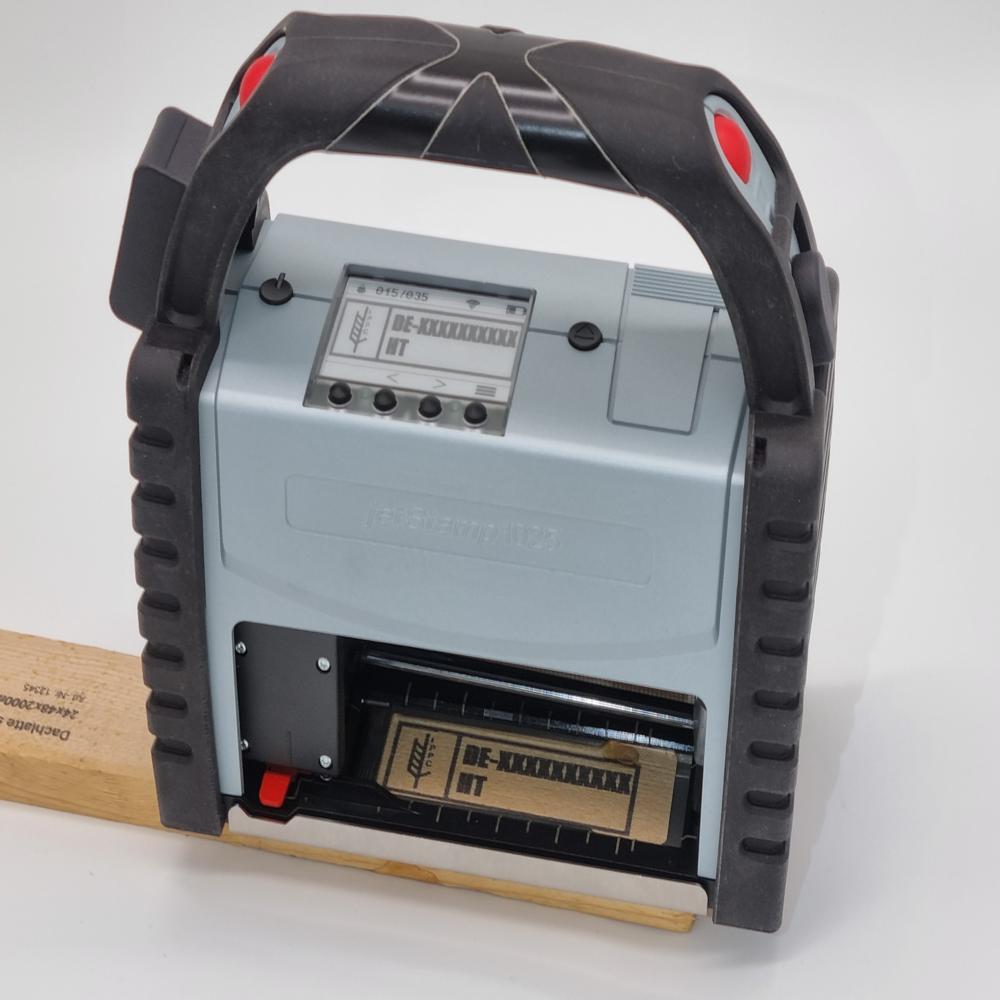
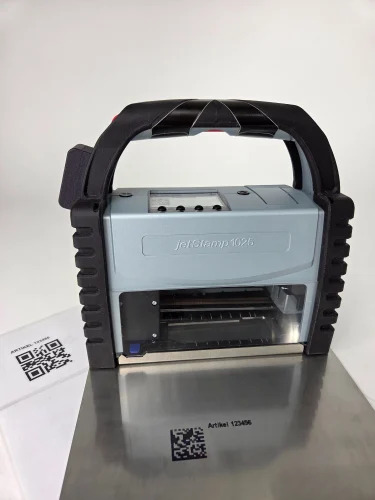
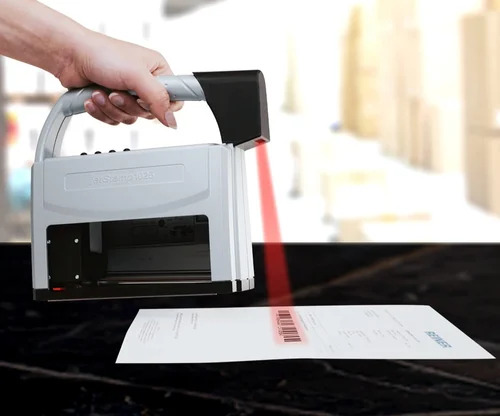
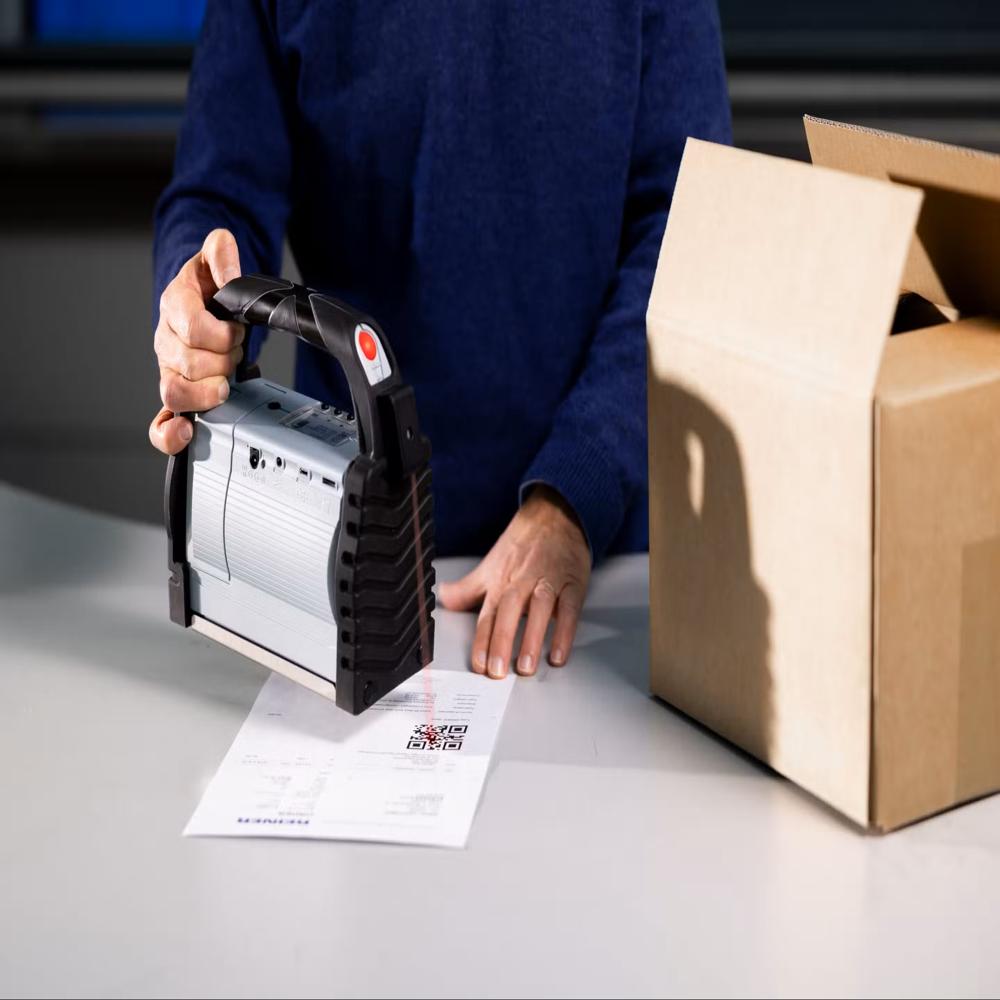
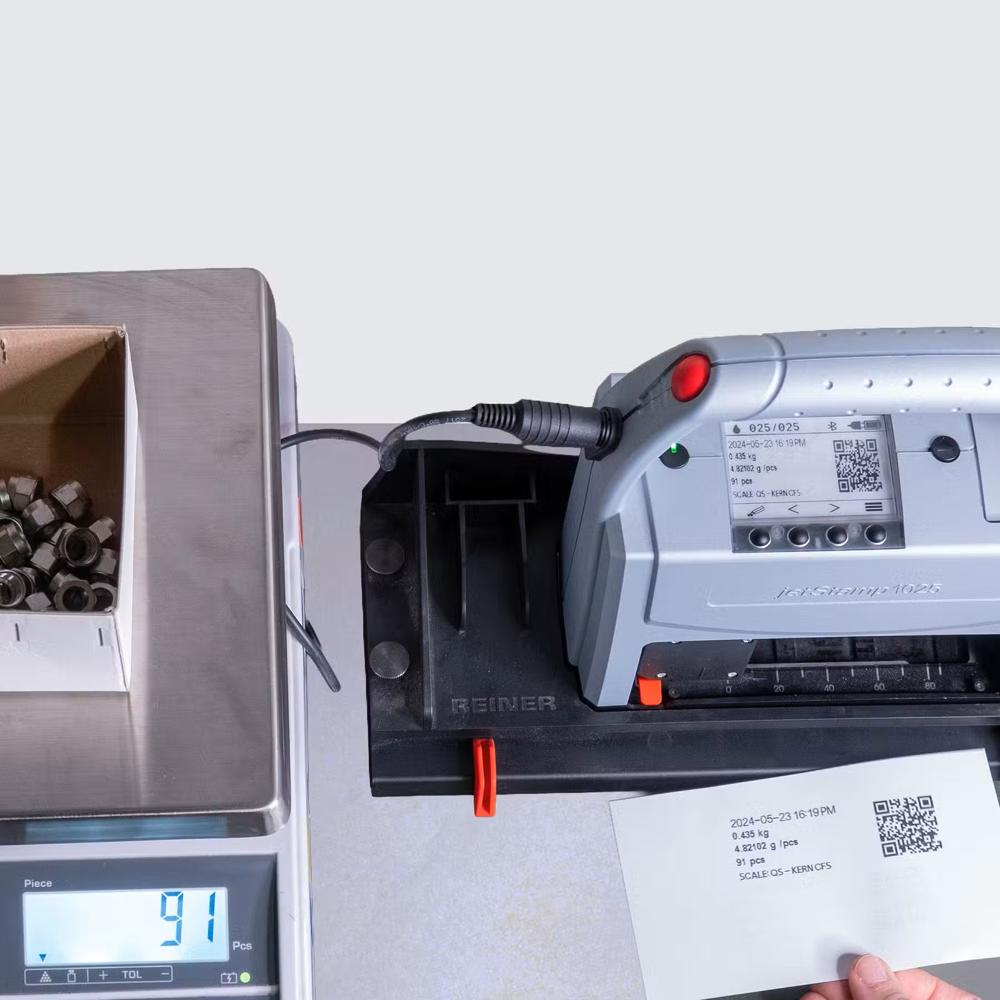
Scan QR code from print QR Code Scan QR code from print Barcode Scan QR Code from print Data, Text, Logo Scan Barcode from print Barcode Scan Barcode from print QR code Scan Barcode Code from print Data, Text, Logo Scan & Printer Devices Compact, Mobile, and IntelligentOverviewThe REINER jetStamp 1025 sense is more than a printerits a multifunctional device that combines measuring, printing, and documenting into one compact solution. Designed for mobility and efficiency, it eliminates the need for a PC, making everyday operations faster and more reliable.Core Features Direct Data Transfer: Sensor interface allows measured values to be sent straight to the deviceno computer required. Versatile Printing: Supports graphics, text, sequential numbers, logos, and 1D/2D barcodes (EAN128, QR, DataMatrix). Flexible Imprint Sizes: Up to 25 mm height, with accessories extending to 5285 mm. High-Speed Performance: Prints in less than 0.9 seconds per imprint. Universal Media Compatibility: Works seamlessly on paper, wood, metal, and plastic. Applications Industrial Labeling: Mark products directly with barcodes, dates, or serial numbers. Compliance & Documentation: Capture measurements in real time and print them instantly for regulatory records. Logistics & Warehousing: Generate scannable codes for inventory tracking. Healthcare & Labs: Print measurement data directly on samples or documentation. Accessories & Add-ons Barcode Scanner: Optical unit for 1D/2D codes, enabling quick reproduction and automatic print image selection. V24/R232 Adapter Cable: Transfers measurement data instantly for labeling without a PC. Value Proposition Process Reliability: Eliminates manual input errors with direct data transfer. Real-Time Efficiency: Capture and print measurements on-site, instantly. Ease of Use: Clear display shows exactly what is being printed. Mobility: Compact, lightweight, and ready to use in seconds. Intelligence: Automatically updates variable objects for dynamic printing needs. Exceptional Precision and VersatilityWith a 1064 nm fiber laser and marking accuracy of 0.01 mm, this device can swiftly handle intricate designs on numerous materials, including metal and ceramic. Its flexibility is further enhanced by interchangeable focusing methods-both manual and auto-to suit your specific project needs.User-Friendly Operation and Smart InterfaceOperate confidently with an intuitive LCD touchscreen and seamless EZCAD software. The device's USB connectivity streamlines data transfer, while the support for multiple file formats (AI, PLT, DXF, BMP, JPG) ensures compatibility with different design suites, making it accessible for users at all skill levels. FAQ's of Scan and Print Devices:Q: How do I use the scan and print device to mark different types of materials? A: To mark materials such as metal, plastic, or ceramic, simply adjust the focus method (manual or auto) and select the appropriate settings in the EZCAD control software. Make sure the material fits within the 110 x 110 mm marking area for best results. Q: What are the steps involved in setting up the device for the first time? A: Begin by placing the machine in a dry indoor workspace within the specified temperature (0C to 40C) and humidity range (5%-85%). Connect it to a 220V, 50 Hz power source, link your computer via USB, and follow the on-screen instructions on the LCD touchscreen for calibration and file loading. Q: Which file formats are supported for scan and print operations? A: The device is compatible with commonly used vector and bitmap formats, including AI, PLT, DXF (for vector designs), as well as BMP and JPG (for images). This flexibility enables you to import a wide variety of designs for customized engraving or marking. Q: Where should I install this device for optimal performance? A: Install the unit indoors, preferably on a stable, flat surface with adequate ventilation. Keeping the device within the recommended environmental conditions maximizes performance and longevity, ensuring safe and accurate operation. Q: What are the main benefits of using this laser scan and print system for Indian exporters and manufacturers? A: The device delivers high-speed (up to 7000 mm/s) and precise (0.01 mm accuracy) marking, supporting international safety standards (CE certified). Its compatibility with various materials and ease of use make it invaluable for efficient, long-lasting marking-ideal for competitive industrial environments in India. Q: Can the system operate continuously, and how does the cooling mode affect usage? A: The air cooling system is highly efficient, which helps maintain optimal operating temperatures during extended use. This allows the machine to work continuously with minimal maintenance, supporting demanding production schedules.

 Send Inquiry



 Send Inquiry

 Send Inquiry


 English
 Spanish
 French
 German
 Italian
 Chinese (Simplified)
 Japanese
 Korean
 Arabic
 Portuguese